

Download Link



Live22 reviewed: the platform without an obvious identity
Every other platform on this market has a headline: 918Kiss has the classic catalogue, Rollex11 has tables, MEGA888 has fishing games. Live22 does not have one. This review is about what that actually means for a player, and when it turns out not to matter.
The honest starting point
Live22 is competent across categories and outstanding in none. It carries slots, some arcade titles and a live section, and everything works. Nothing in the lobby is broken, dated or noticeably weaker than its rivals. It also does not do anything the others cannot.
Most review sites treat that as a problem to be written around, which is why Live22 pages tend to be the vaguest in this niche — long on adjectives, short on specifics, because there is no single feature to build a page on.
We think the lack of a headline is worth stating plainly, because for a certain player it is the right answer. If you want one reasonable app rather than the best app for a category you have not chosen yet, being average at everything is genuinely useful. If you already know you want fishing games or classic reels, a specialist beats a generalist and Live22 is not the pick.
What Live22 does well
- Runs smoothly on mid-range Android handsets, not just recent flagships
- A mixed library covering slots, arcade titles and live tables in one app
- Straightforward lobby with little to learn before you start
- Carries several widely licensed titles you may already recognise
Where it falls short
- No category where it leads the market
- Fishing content is thin next to MEGA888 or Joker123
- Live tables are basic next to the dealer specialists
- Smaller catalogue than 918Kiss for classic slots
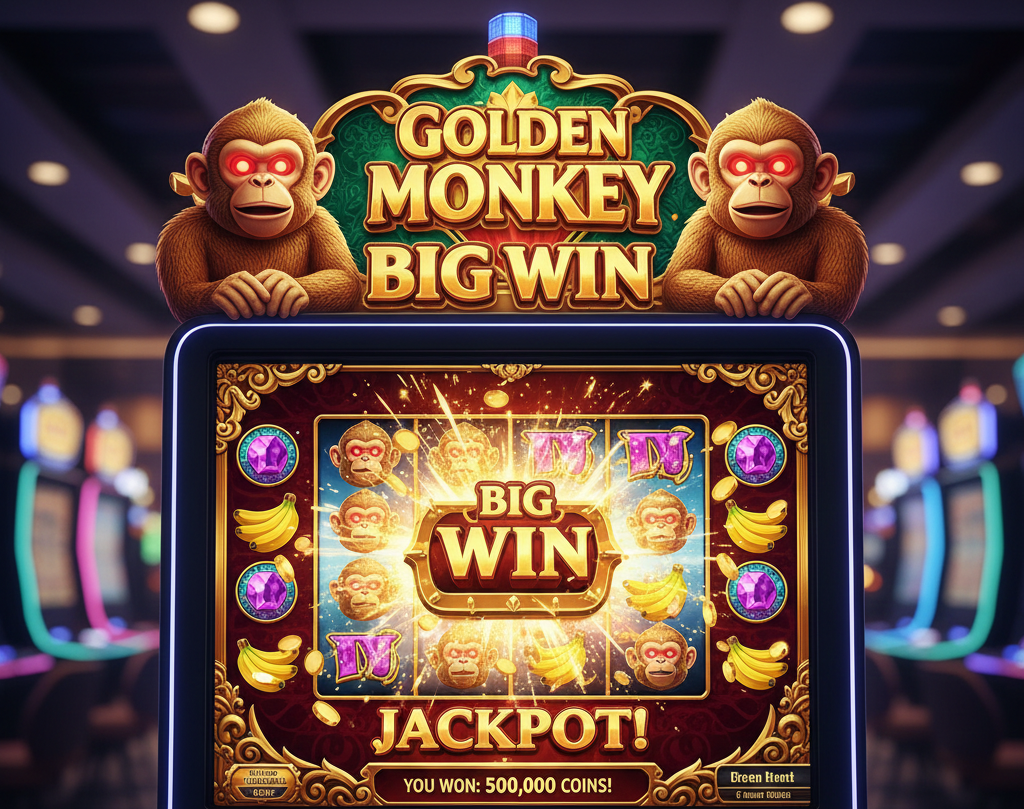
Games in the Live22 lobby
Several titles here are licensed to multiple operators rather than being exclusive to Live22 — Great Blue, Dolphin Reef and Wukong appear on MEGA888, 918Kiss and others as well. The game is identical wherever you play it, including its RTP.
| Category | Titles you will recognise | Also available on |
|---|---|---|
| Classic slots | Great Blue, Dolphin Reef | MEGA888, 918Kiss, LPE88 |
| Arcade slots | Golden Monkey, Wukong | MEGA888, LPE88 |
| Live tables | Baccarat, Roulette, Sic Bo | Every live platform on this market |
Worth checking before you install anything. If a specific title brought you here, look at the third column. There is a reasonable chance it already runs on an app you have, with the same mechanics and the same published RTP. Figures for the shared titles are on the MEGA888 RTP page.
Installation
Getting Live22 onto your device
Standard for this category — no app store, agent-issued account, certificate trust step on iPhone.
Android — APK install
- Get the link from an agent rather than a search result, then check the version in the app afterwards.
- Enable Install Unknown Apps for your browser under Settings, Security. Per-app on Android 12 and newer.
- Run the downloaded file and let Play Protect finish scanning rather than cancelling.
- Sign in with your agent-issued ID, then switch the Unknown Apps permission back off.
iPhone — profile install
- Open the link in Safari. Chrome and in-app browsers cannot install enterprise profiles.
- Install the configuration profile when prompted. The icon appears greyed out at first, which is expected.
- Trust the certificate under Settings, General, VPN & Device Management.
- Expect to repeat this. Apple revokes these certificates periodically, on every platform in this category.
Running Live22 on a PC
Live22 has no desktop client, so playing on a computer means running the Android app inside an emulator such as BlueStacks or NoxPlayer. It works, and the larger screen is genuinely nicer for arcade titles.
Two things worth knowing before you go that route. Emulators are detectable, and some operators restrict or close accounts that log in through one — ask your agent whether it is permitted before you build a habit around it. And an emulator is a full Android environment on your machine, so install it from the developer's own site rather than a mirror.
We do not host the Live22 file. This site distributes MEGA888. Ask your agent for the current Live22 link, and treat any site claiming to provide the official Live22 download while also offering six other platforms with scepticism — including this one, which is why we do not claim it.
Corrections
Three claims to disregard
More spins mean more chances for a bonus to appear and more money wagered, and the second part is the one that decides the outcome. Because the expectation is negative on every spin, extending a session moves your result closer to the theoretical loss, not further from it. Longevity buys playing time. It does not buy a jackpot.
There are no streaks in any meaningful sense — each spin is generated independently, so a run of wins carries no information about the next one. What this advice describes is increasing exposure at the moment you feel most confident, which is exactly when the gap between feeling and odds is widest.
A category average is not a figure you can play, and 98% is well above what slot titles on this market publish. Where a platform does not publish per-title RTP, the honest answer is that it is unavailable — not a range chosen because it sounds generous. Check the game's own info screen; that is the only authoritative source.
Security and withdrawals
Encryption
Transactions run over SSL, standard across every platform here. It is a baseline requirement, not a distinguishing feature, and no operator can promise a system with no vulnerabilities.
The real risk
The file, not the platform. Repackaged builds circulate on mirror sites for every app in this category. Get your link from an agent and verify the version number after installing.
Withdrawal timing
Processed by an agent rather than automatically. Under 15 minutes is realistic on a weekday during banking hours; weekends, public holidays and bank maintenance extend it.
Play responsibly
Decide what you are willing to lose before you open the app, and stop there whether you are up or down. Never raise your stake to recover a loss or to press a run you feel is going your way — both impulses cost the same. Gambling is entertainment with a cost attached, not income. Our responsible gaming page lists the support services available in Malaysia.
A generalist, or a specialist?
If you want one reasonable app across categories, Live22 does that and an agent can set it up. If you already know you want fishing games and the lightest install on this market, that is the platform we distribute and support.
Comparing every slot platform? Read the slot platform guide, or the wider online casino Malaysia guide.